See which child ASINs to advertise in each parent
TL;DR: A new Child Efficiency page compares the child ASINs of each parent on profit per visit and per ad click over the last 7 days, and marks which ones to advertise and which to stop advertising.
Beta Features > Child Efficiency shows which children of a parent ASIN earn the most from each visit and each ad click. Beta Features is only switched on for some accounts.
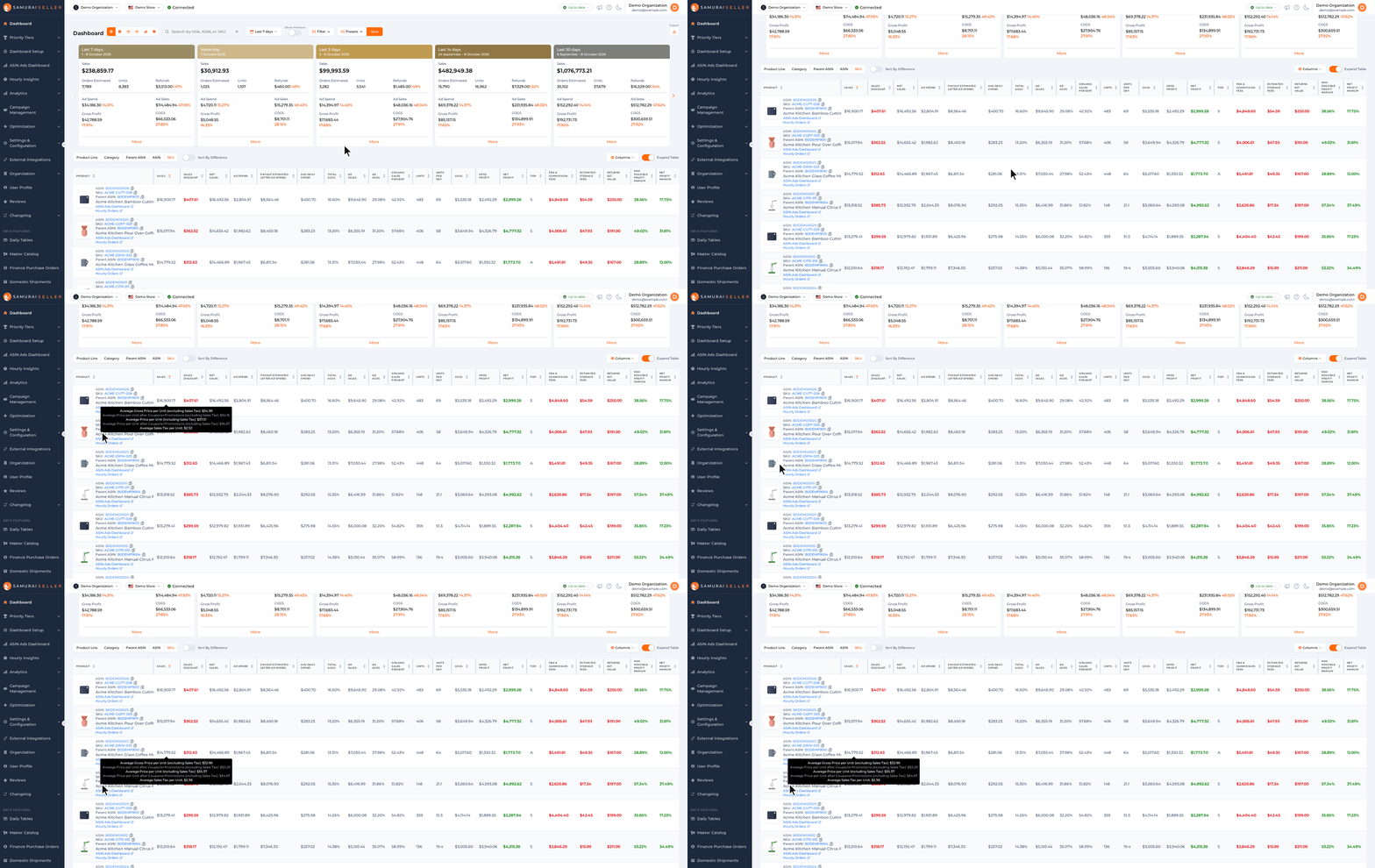
- All parents: one row per parent ASIN with its best child to advertise, profit per day, max profit margin, unit session %, profit per ad click, profit per session, and 7-day sessions and ad clicks.
- One parent: click a parent to see its children. Each child gets an Ad pick: Best to advertise, OK to advertise, Don’t advertise or Too little traffic. Share of parent ad clicks shows where the parent’s ad clicks go today.
- Where this parent’s ad clicks should go: a short summary above the table, for example “2 child ASINs are the best to advertise and they get 18% of this parent’s ad clicks. 41% of ad clicks go to 3 child ASINs marked Don’t advertise.”
- Search: type a parent ASIN, a child ASIN or a product name in the parent search to go straight to that parent.
How to try it:
- Open Beta Features > Child Efficiency.
- Click a parent ASIN in the table, or type one in the parent search.
- Read Where this parent’s ad clicks should go, then click Share of parent ad clicks to see which children get most of the clicks.
How the Ad pick is decided
Each child is compared with the other children of the same parent:
- Best to advertise: profit per session within 75% of the best child in the family, max profit margin 25% or more, and unit session % at least 90% of the parent’s.
- Don’t advertise: loses money per session, or max profit margin under 15%.
- Too little traffic: under 100 sessions in the 7 days.
- OK to advertise: everything else.
A child with few sessions is ranked as if it had 300 more sessions at the family’s average, so a few lucky sales do not put it at the top. Max profit margin is (net profit + ad spend) ÷ sales: the margin the child would have if ads cost nothing. The i button next to the page title explains every column.
Which 7 days
The page uses the newest 7 days that have Sales & Traffic data. Amazon sends that data 1 to 2 days late, so the window usually ends a day or two before today. The dates are shown above the cards.